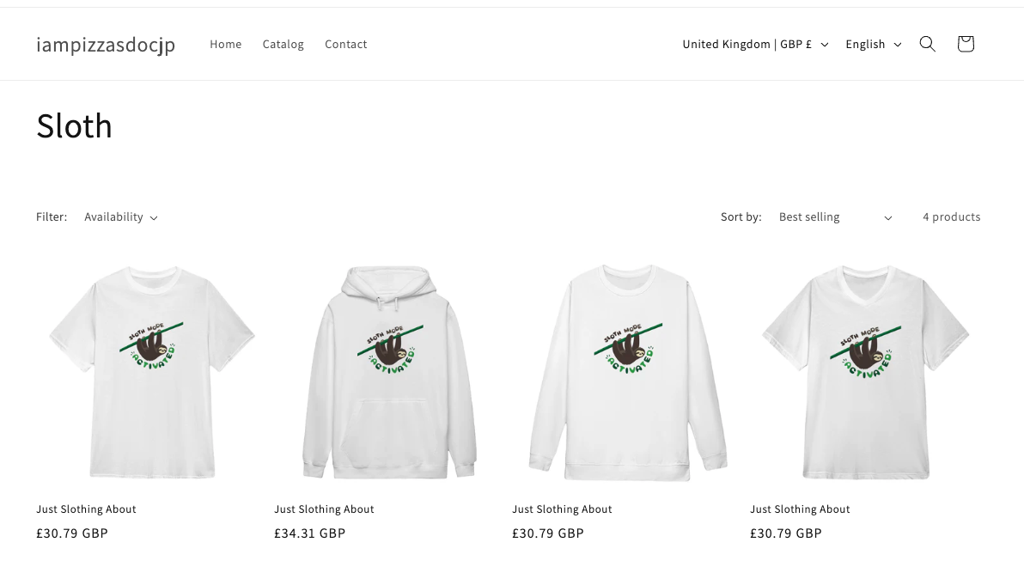
In Shopify, you can create collections so you can market groups of products. Using the tag function in your product builder makes this really quick and easy.
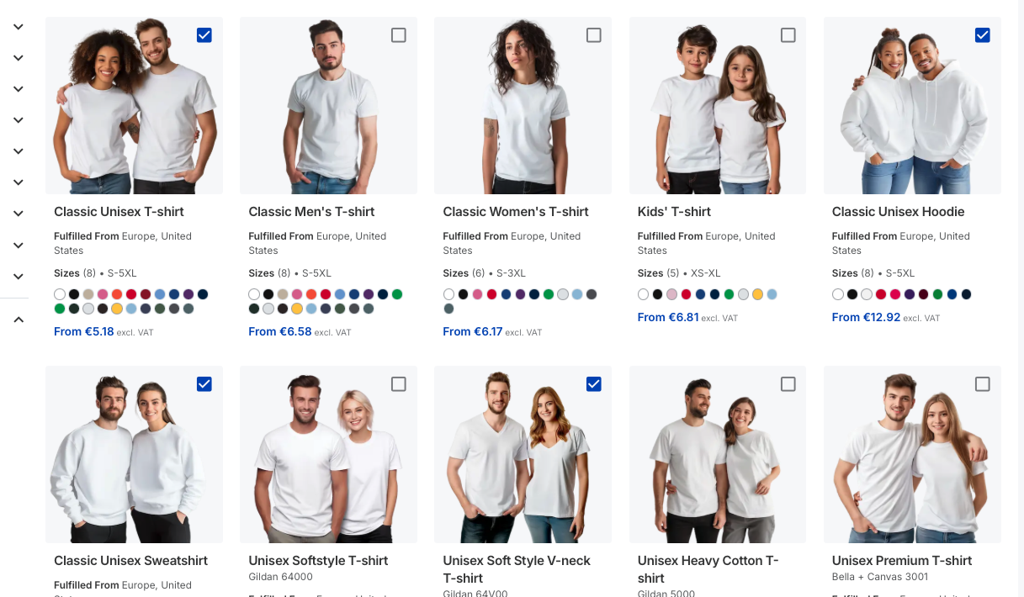
Select the products you wish to add to the collection and press start designing
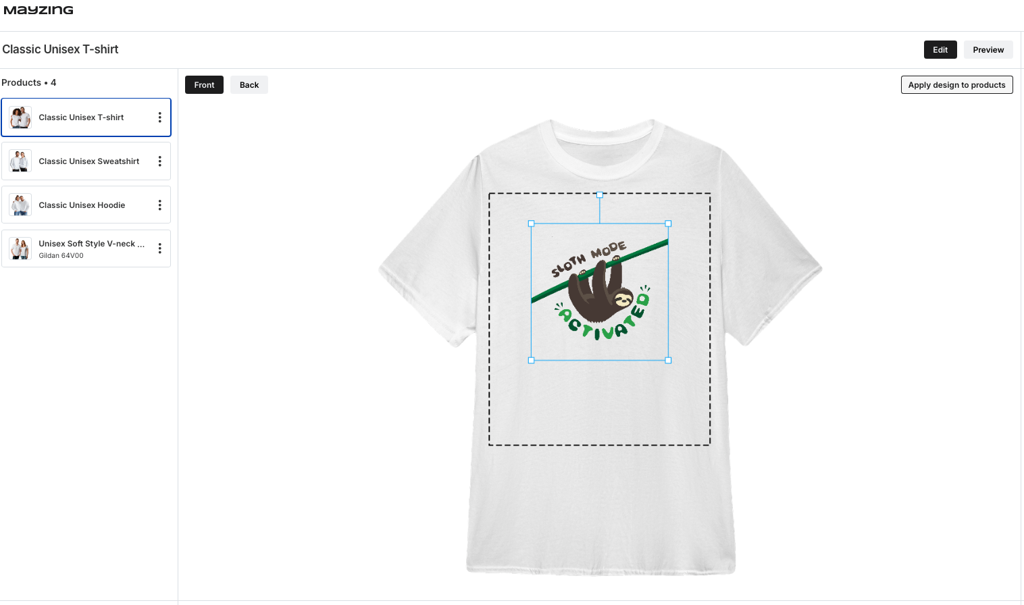
Add your design, and press the apply design to products button. This will add the design to all of your products.
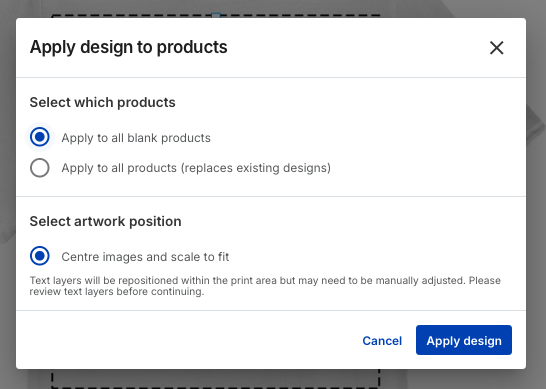
Press apply design.
Add your pricing, and press continue to review
Now in the product, add the tag you want to base the collection on.
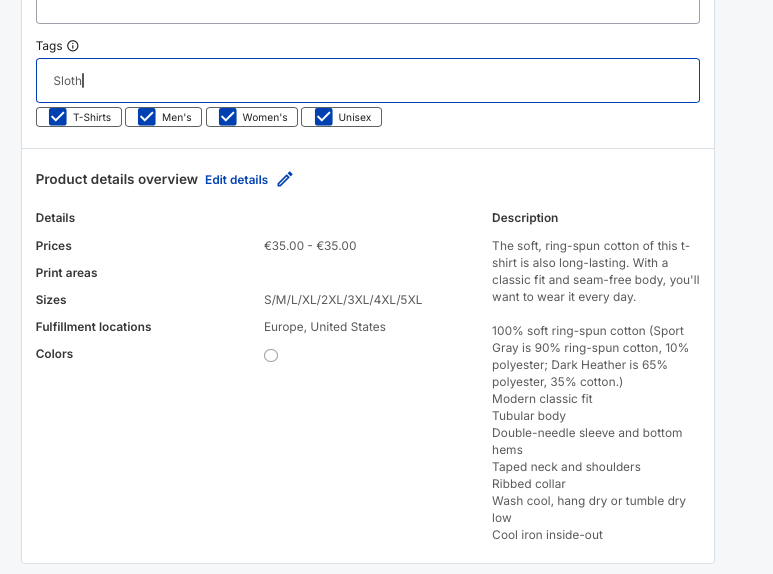
Press enter to add it. You will see it added to the tags.
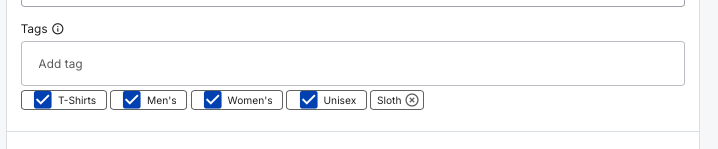
Repeat this to add this tag to all of the products you have just created.
Now publish your products to Shopify.
Go to the Shopify dashboard, and click on collections.
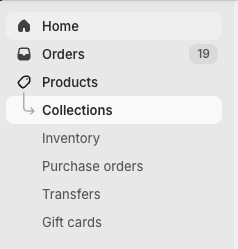
Press add collection
Give the collection a name
Under collection type, change it to smart
Under conditions, set it so that the tag equals the tag you added when creating the products.
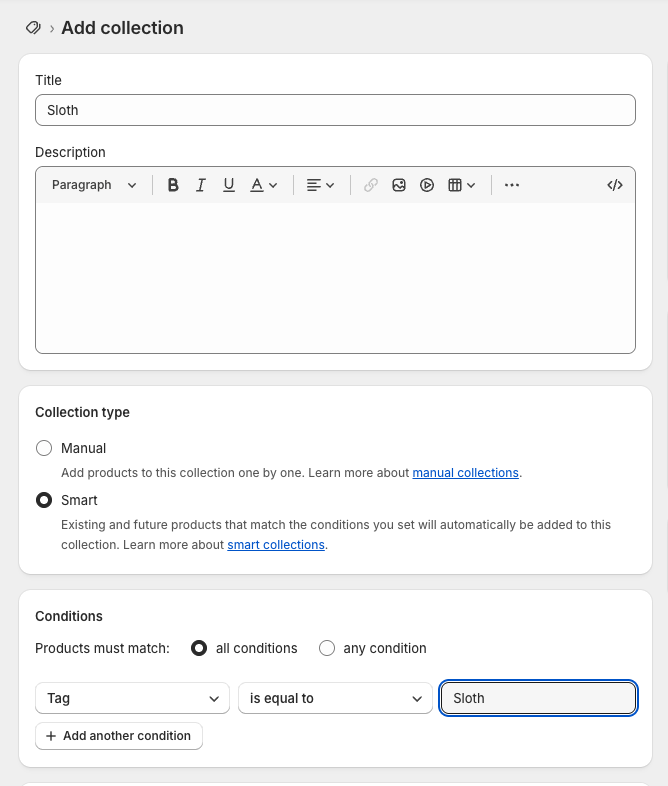
Press save.
You will see the collection now contains all of the products.
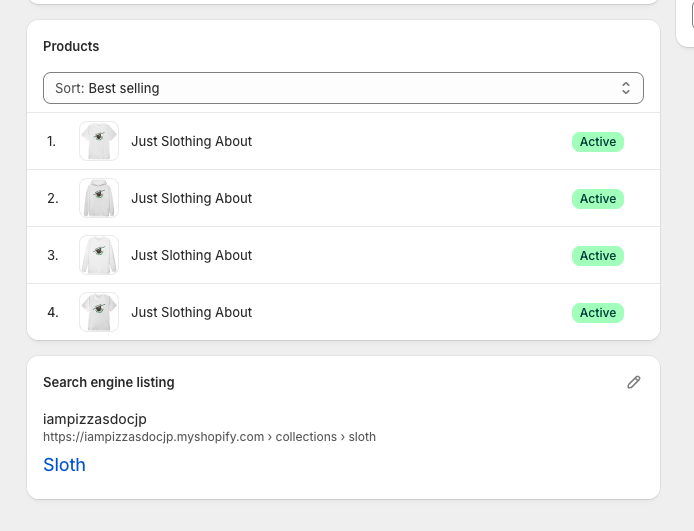
Now go to your Shopify store. You may need to add a collections button, if you don't have it already.
Click on collections. This will take you to a screen with all of your collections on it.
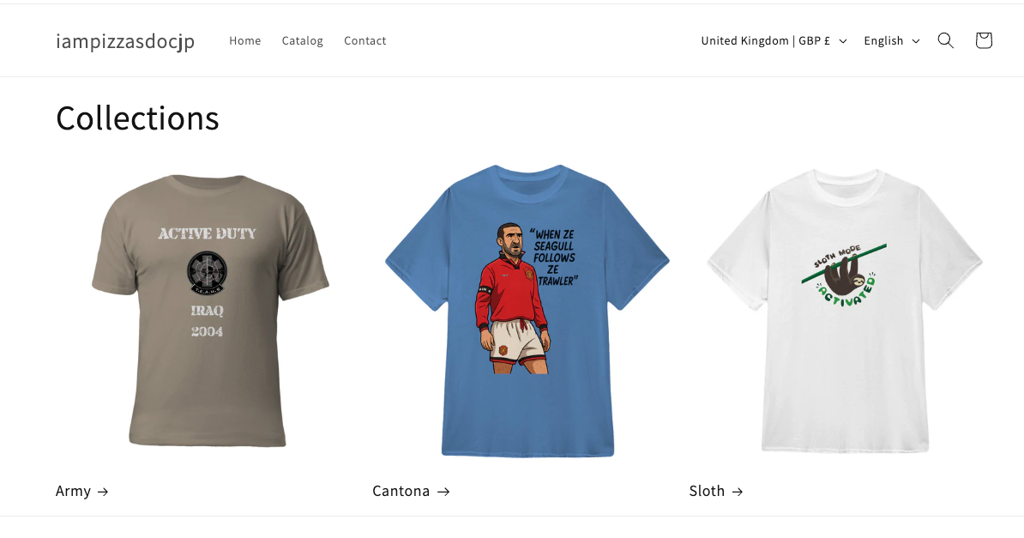
Click on your new collection, and you will see the products you have just added.