When one of your customers has made a purchase. But then decides they want to change something about the order (size , colour, custom text etc) You will need make those changes in Shopify before you pay for it on the Mayzing dashboard. If you pay before you make the changes, and the fulfilment has been sent to the printers, there is nothing we can do to change them. To make the changes on shopify, please follow the below steps.
In your Shopify dashboard, on the left Navigation panel, click on Orders.
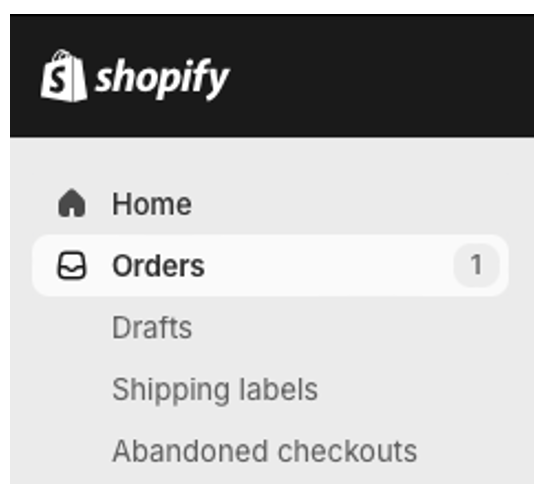
You will be taken to your Orders Table where you will be able to see if you have any new orders.

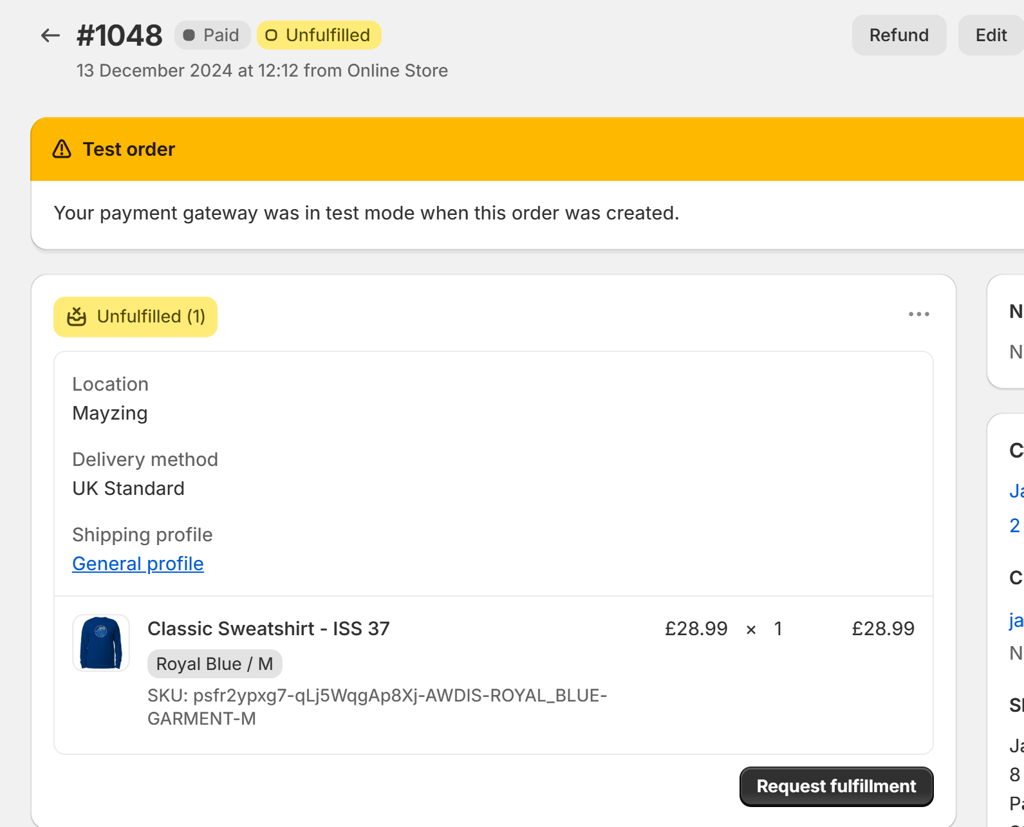
To modify an order, find the order you want to change, and click on it
On the next screen press edit.
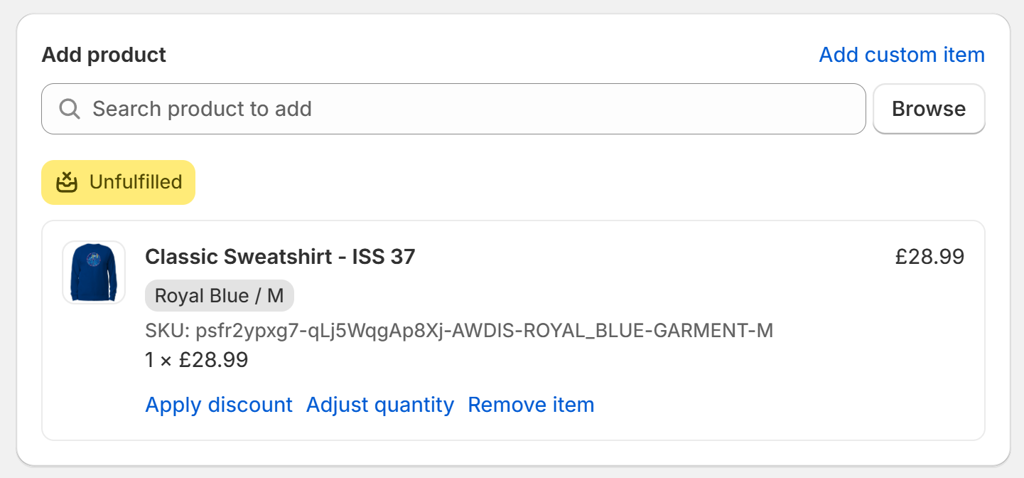
Change the quantity or remove an item and replace it with something else (could be same product, different size or colour or a completely different thing)
The order change will automatically sync to the Mayzing Dashboard.
When you are ready to, you can go to the Mayzing dashboard, and pay for the order so it can be sent to fulfillment.
