Log in to the Mayzing dashboard https://dashboard.mayzing.com
In the left sided navigation select All Stores.
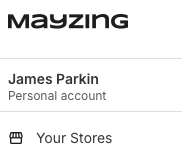
Select your TikTok store
In the left sided navigation panel select Products.
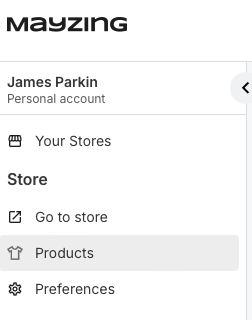
You will now see a list of all your products.
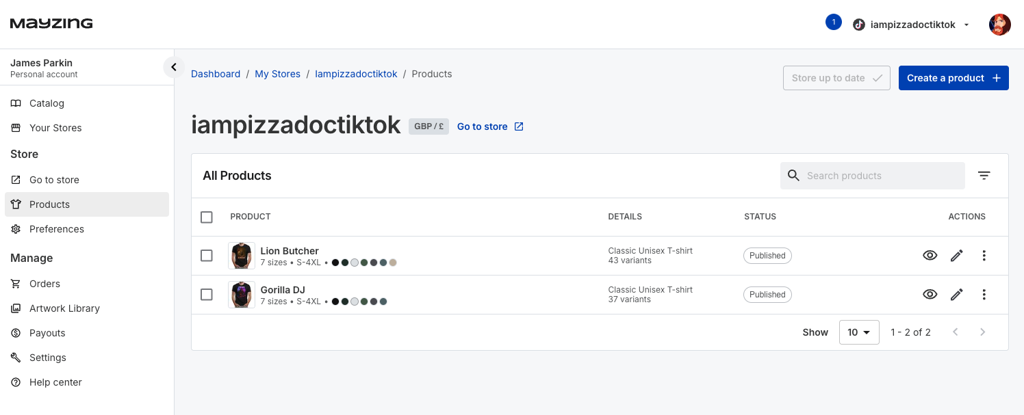
Find the product you wish to hide from your TikTok Shop
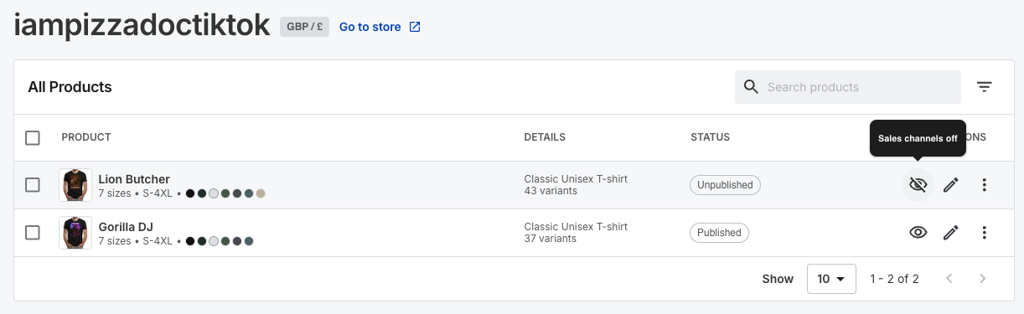
You can hover over the Eye symbol on the product and see the current status.
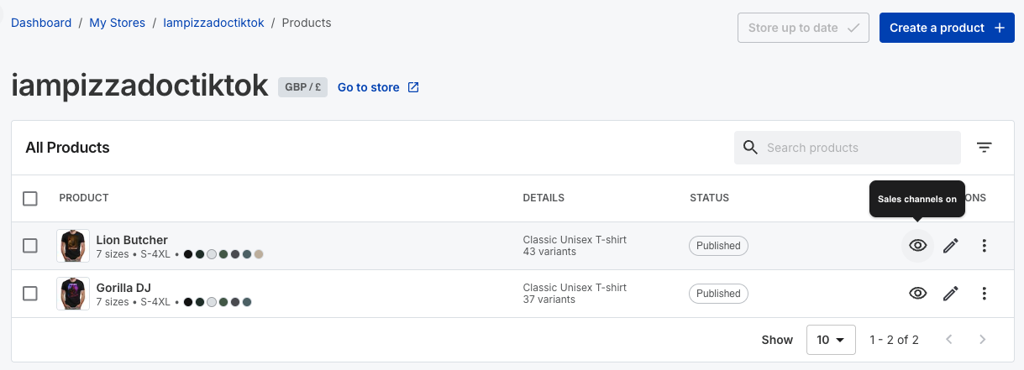
To hide the product from your TikTok store click on the Eye. The product will change to the eye with a line through it indicating it is no longer visible. Hovering over the eye symbol confirms that it is marked to be hidden.
Finally to make the change, you will need to publish the product.
To do this, press the publish changes button.
You will get a confirmation message advising you that it has been published.

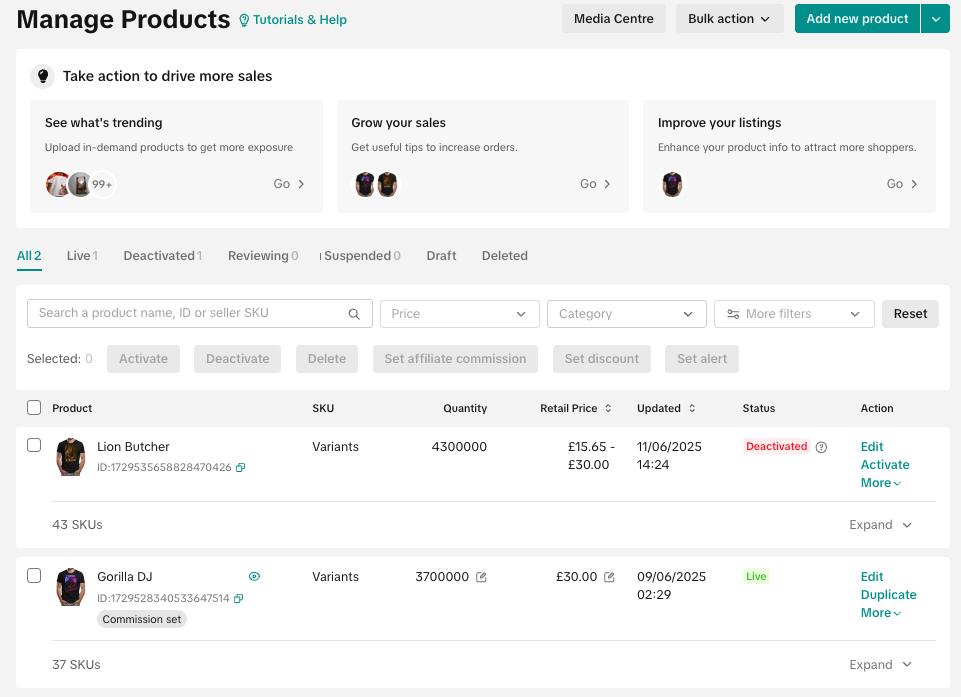
Now if you check on your TikTok Seller dashboard you can see that the product is in a Deactivated state.
To unhide the product, in the Mayzing dashboard click the eye again for the hidden product, then publish the changes.
The product will move from a Deactivated status to Suspended.
It may take up to 5 minutes for it to move from Suspended to Live
