Sign up for your TikTok seller account at https://seller-uk.tiktok.com

Sign up for your TikTok seller account at https://seller-uk.tiktok.com
The next step is mandatory without this you will not be able to publish or take orders
Enable seller managed shipping follow steps below -
Log in to TikTok seller centre for your shop.
In the top right had corner, click on the profile icon
Click on My account, click on account settings
Click on warehouse settings, you will see the following screen
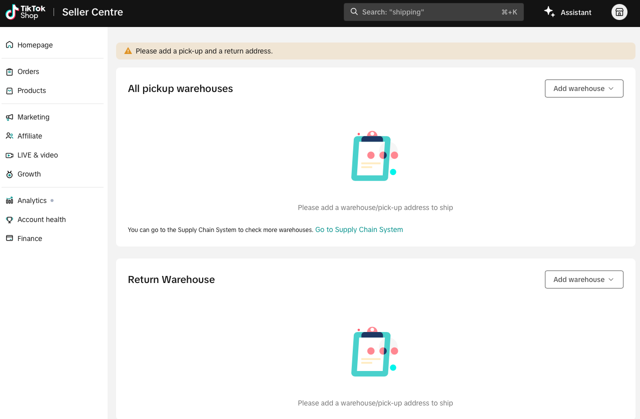
For All pickup warehouses, click Add warehouse > United Kingdom. We recommend changing the warehouse details to - Office 2 Third Floor, 18 Spring Street, London, W23RA.
The Warehouse name MUST be set as Mayzing
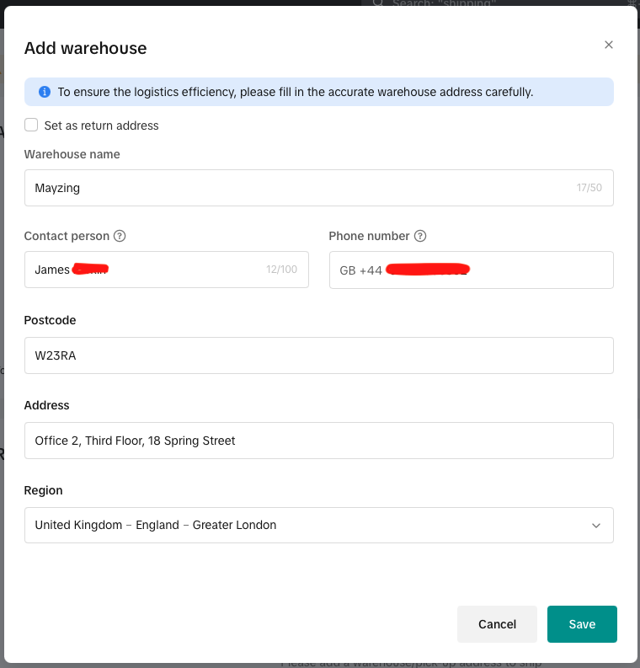
For Return Warehouse click Add warehouse > United Kingdom, We recommend changing the return warehouse to your address, if you don't have this you can change it to our address - Office 2 Third Floor, 18 Spring Street, London, W23RA
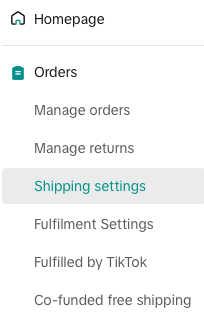
Once you have set up your warehouse settings next thing to select is orders > shipping settings
Click add new template
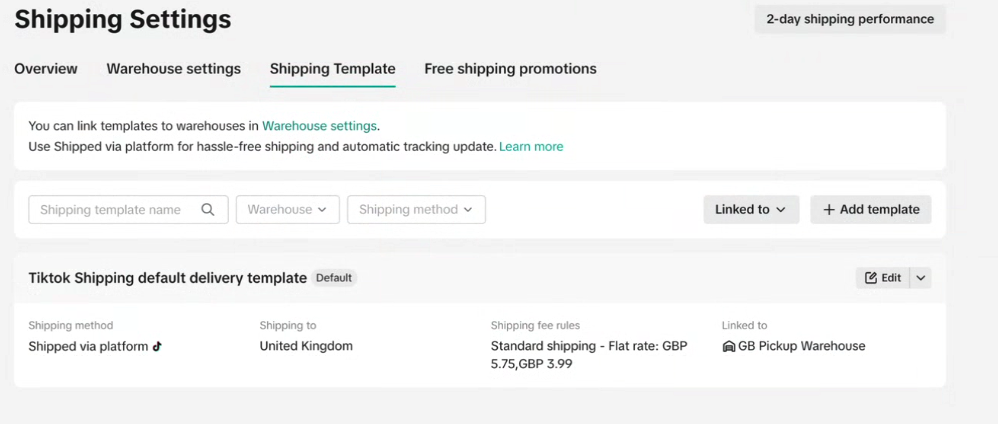
Select shipped by seller
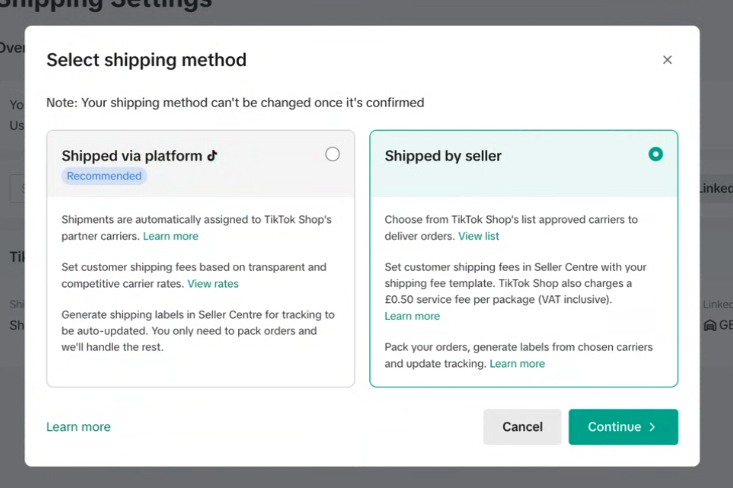
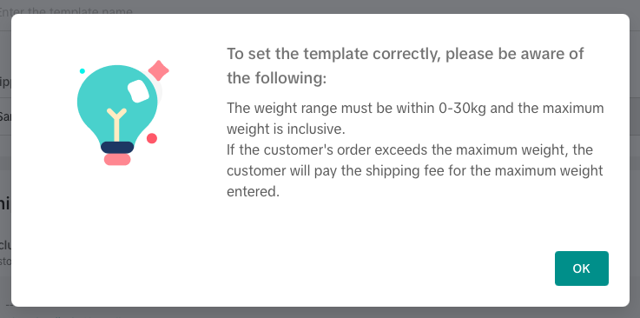
Add you shipping rates, we suggest using £4.99 here
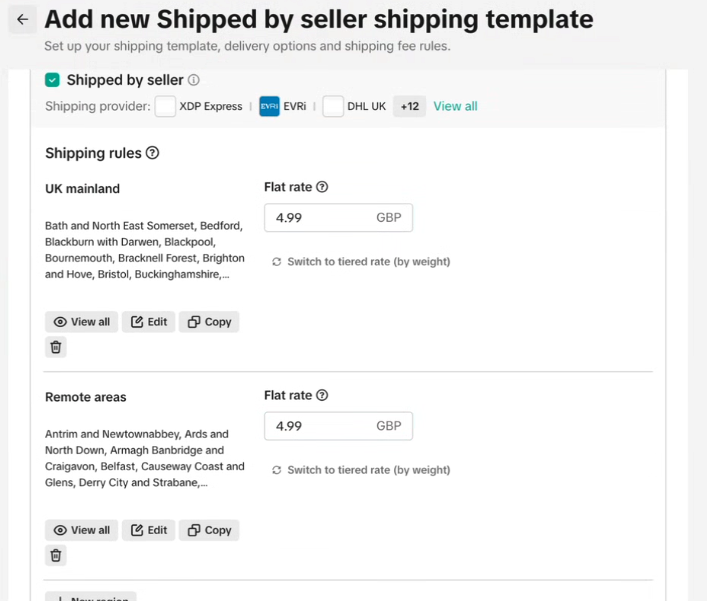
Press save
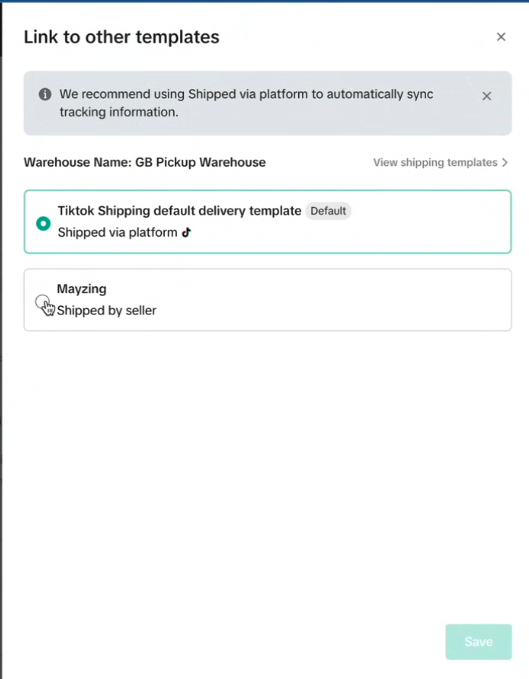
On this screen, press the link now button
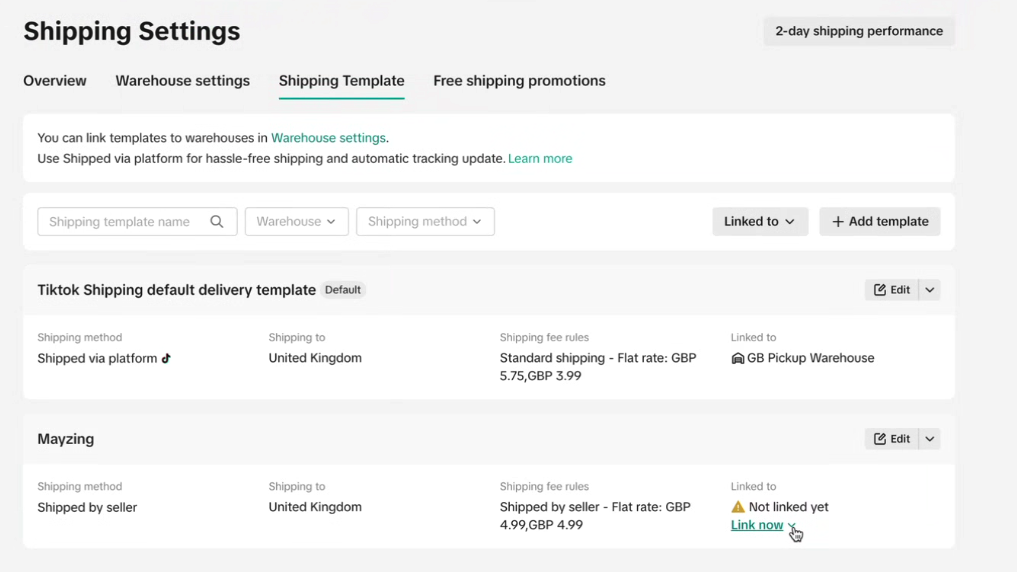
Now select warehouse.
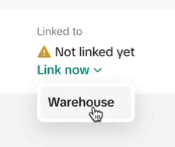
Choose Mayzing (Shipped by seller) and press save.
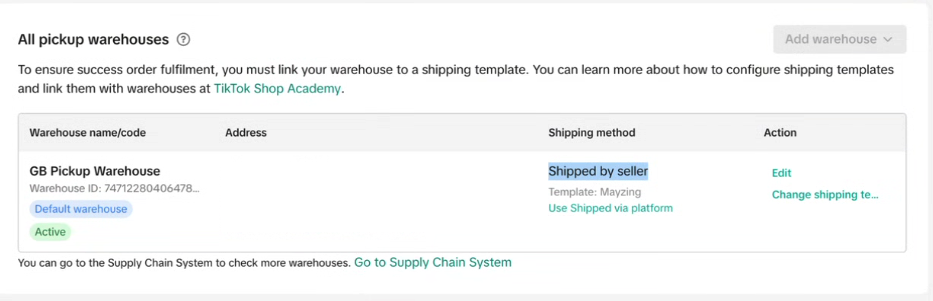
Your screen should now look like this.
You can now create you TikTok store by following the next Article
