To start with you need your store URL. For example https://demostore.shop
Now to create a unique link for your affiliate/referrer you need to append the url with the code to make the URL unique.
Example /?utm_source=david&utm_medium=referral&utm_campaign=affiliate_program
Your URL will now look like this https://demostore.shop/?utm_source=david&utm_medium=referral&utm_campaign=affiliate_program
Share this with your referrer.
When they give this link to people, and it is shared and opened. It will track what the user has done, including things like;
Page Views
Add to cart
Checkout
To view the data, you need to go to your Google Analytics Dashboard.
You can view the traffic in real time if you like by clicking on Realtime Overview
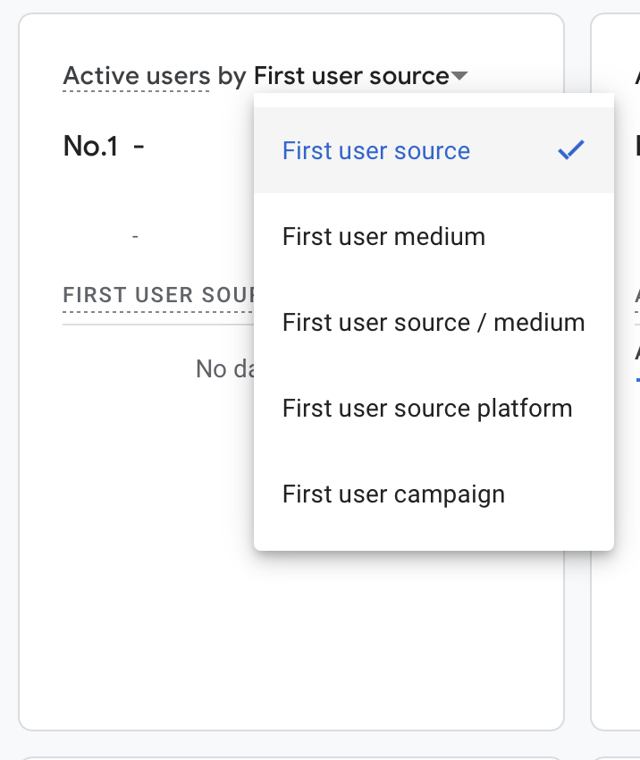
Click on Active users by First User Source
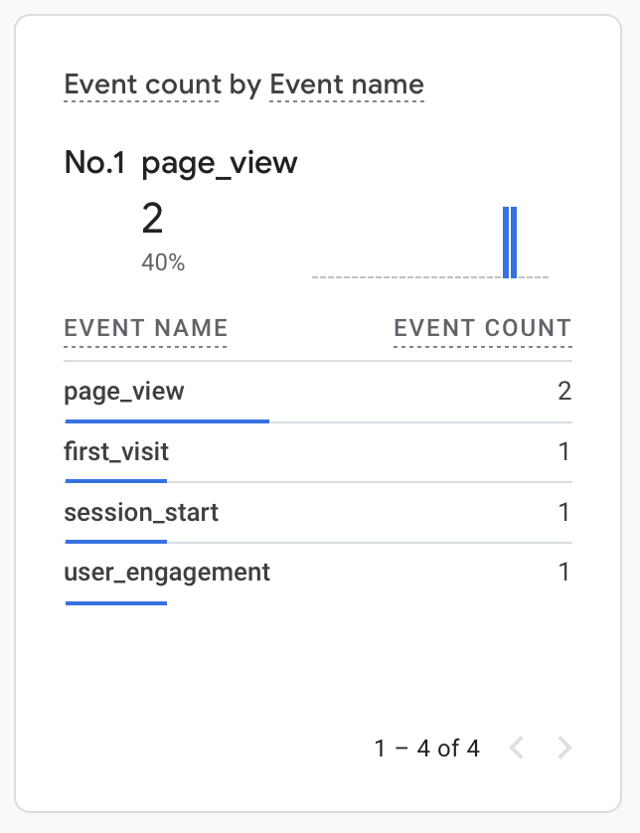
Then in Event count by Event name, click on First Visit.
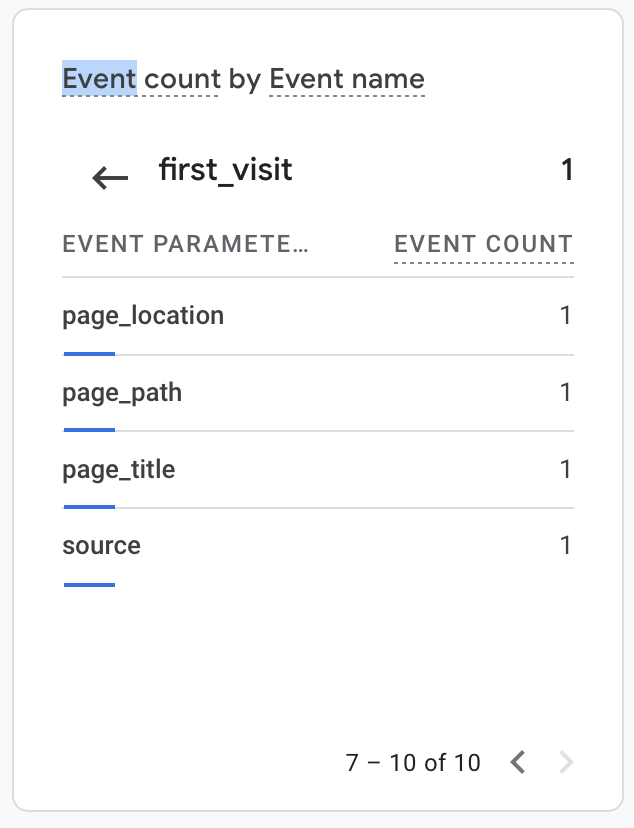
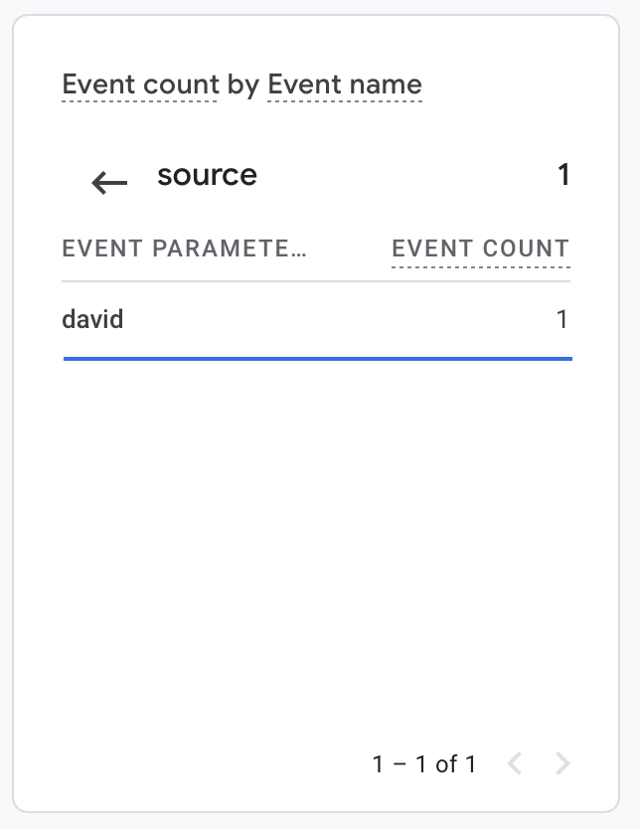
This will drill in to the even parameters. Click on the next page icon to find source.
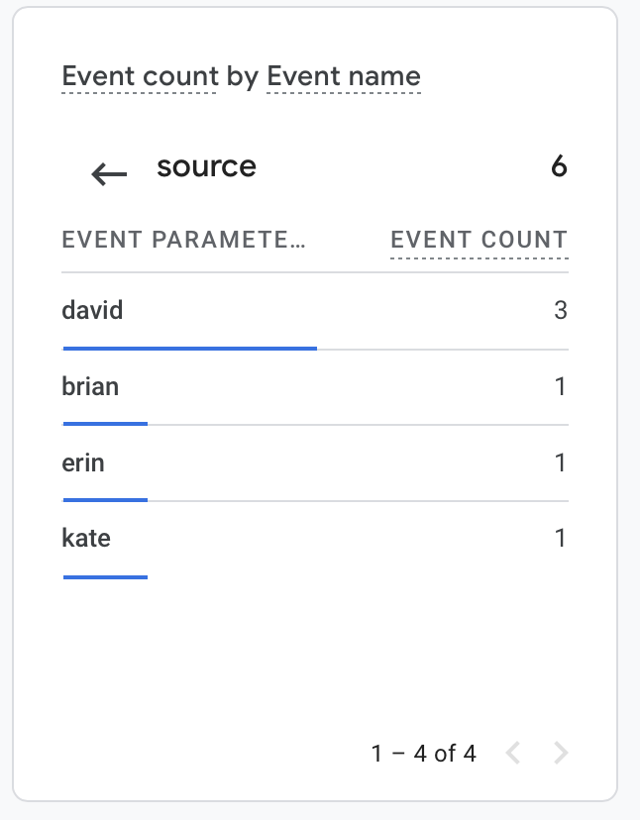
Click on source, and you will see the source of the traffic.
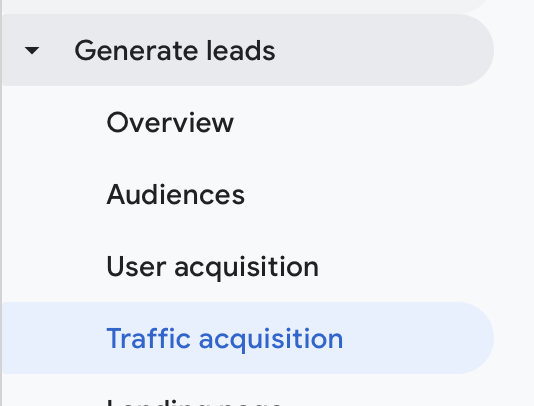
To look at Historical data, go to Generate Leads > Traffic Acquisition.
Change the date in the top right to the date range you want to look at. It is worth nothing here that traffic can take up to 24 hours to appear. So if you see nothing at first, you may want to check back tomorrow.

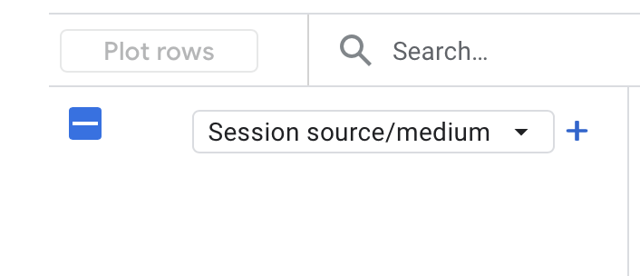
Click here and choose Session source/medium.
Now you will see the traffic that has hit your store.
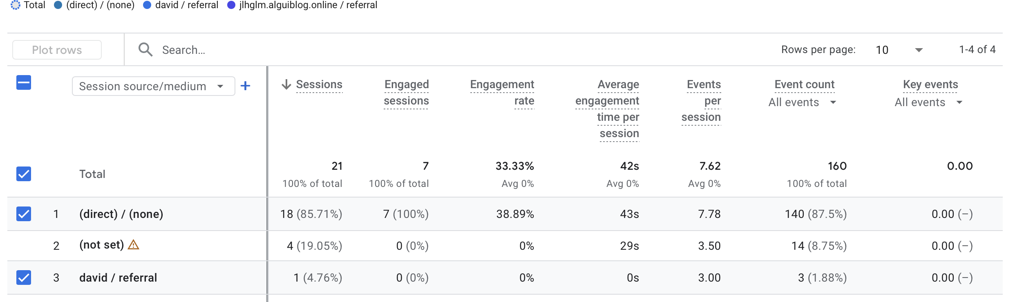
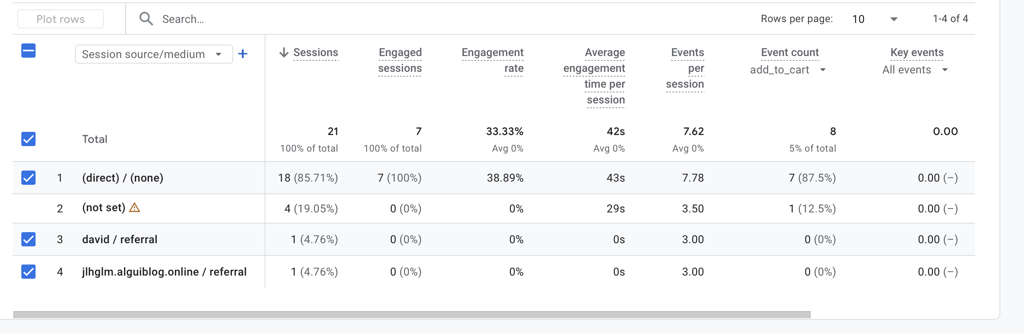
If you want to check what the users have been doing, Under Event count, click the arrow and choose the events you want to look at.
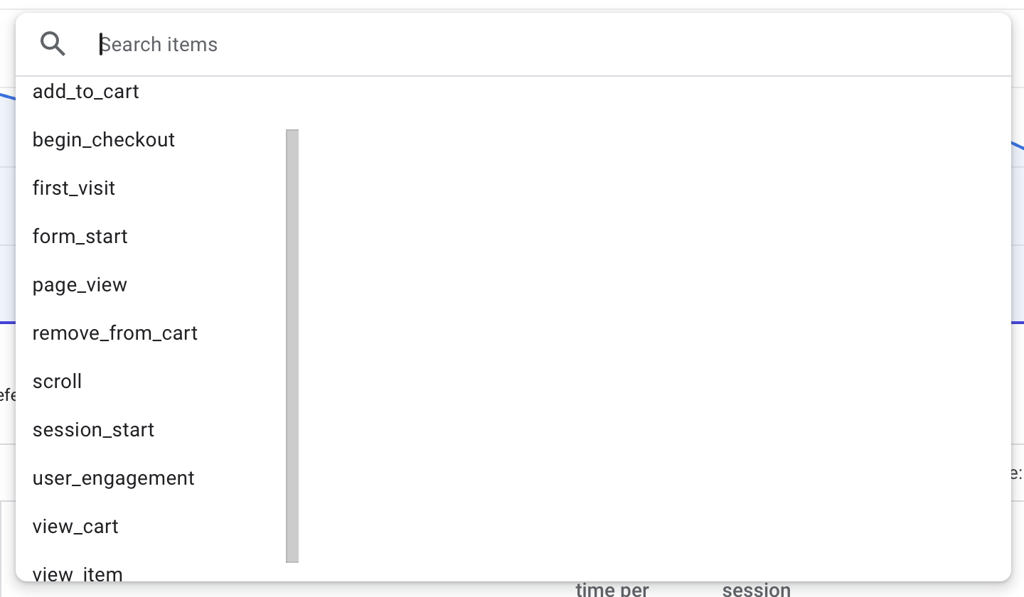
For example here we have clicked add_to_cart and got back the following data. You can see a referral code of david has not generated an add to cart event.
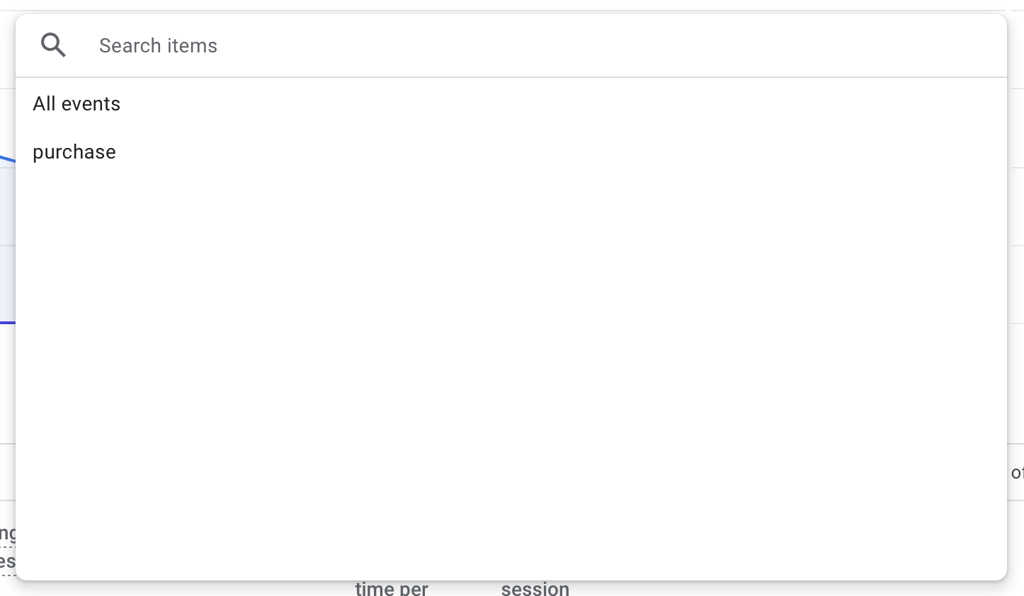
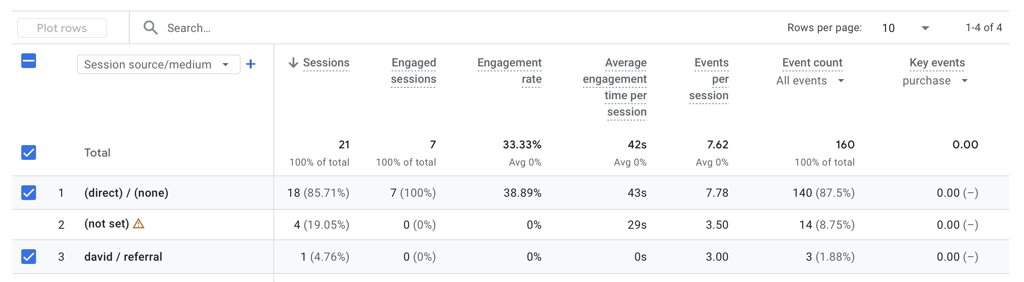
If you want to look at purchase events. Click the Arrow under Key events, and then click Purchase.
You can see here, that the referrer david has not triggered any purchase events.
You are now set up, and can start tracking your events.
You can create as many of these referral links as you want so if you have 100 referrers. Create 100 URLs by changing the word after utm_source= for example;
https://demostore.shop/?utm_source=david&utm_medium=referral&utm_campaign=affiliate_program
https://demostore.shop/?utm_source=kate&utm_medium=referral&utm_campaign=affiliate_program
https://demostore.shop/?utm_source=brian&utm_medium=referral&utm_campaign=affiliate_program
https://demostore.shop/?utm_source=erin&utm_medium=referral&utm_campaign=affiliate_program
If you clicked on all of these you would see traffic coming through for each of the referrers.