Go to dashboard.mayzing.com
Click on Campaigns.
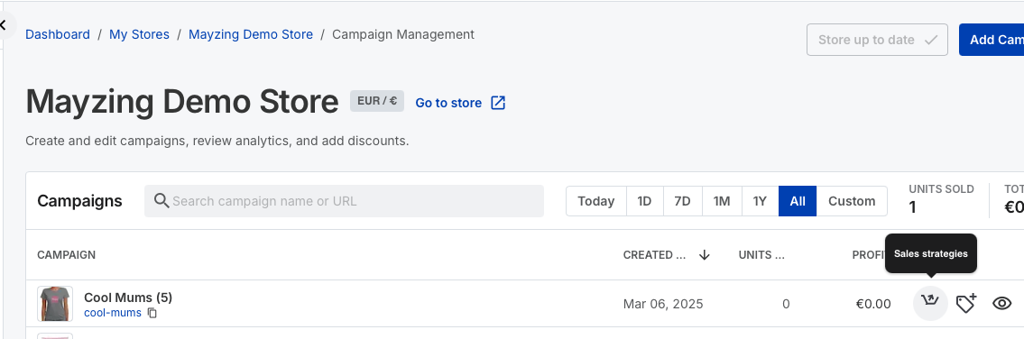
Find the campaign you want to add upsell to, and click on the Sales Strategies button.
Toggle the Cart Upsell to on.

Press the Add Campaign button to add the Cross Sell campaigns.
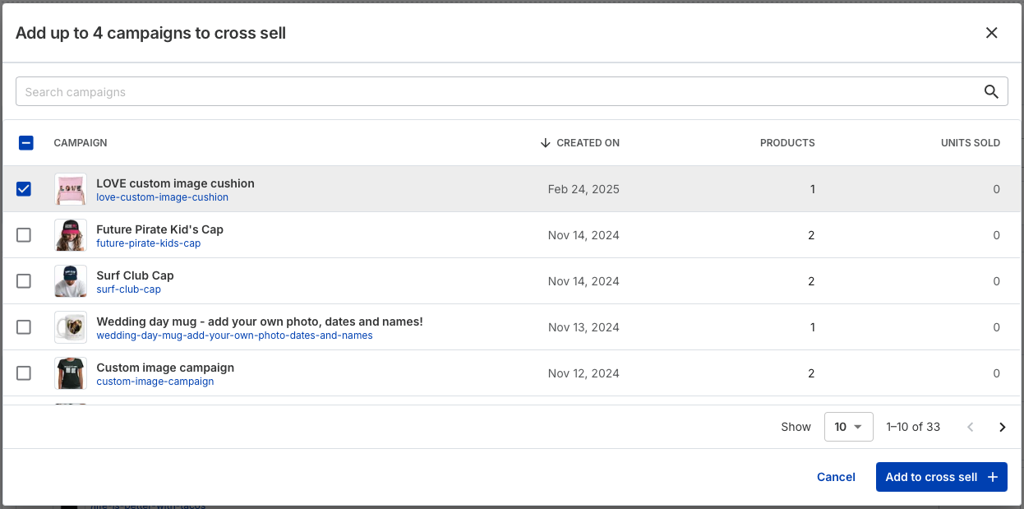
Select the campaigns you want to add and press Add To Cross Sell.
Press Save settings.

Publish your changes.
To see the Cross Sell in action, go to your store, and refresh.
Find the campaign you added the sales strategy to.
Add an item, and hit Buy Now.
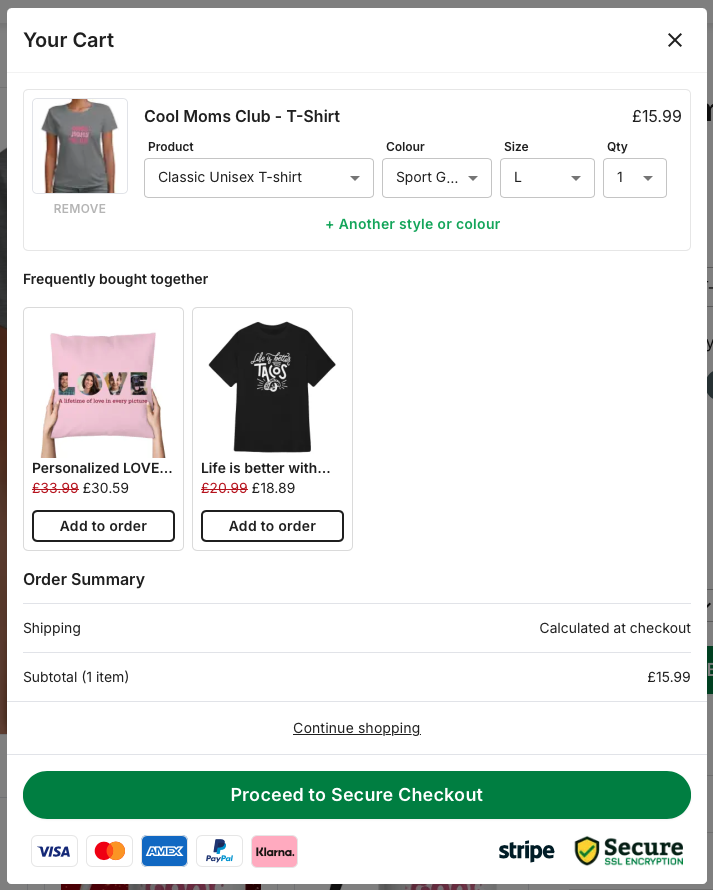
The cart modal will pop up, and you’ll see the Cross Sell offer in place.