Login to your seller dashboard Login | Mayzing
On the left side navigation, click on Discounts.
Under store wide, click free shipping
Under select an audience, click everyone.
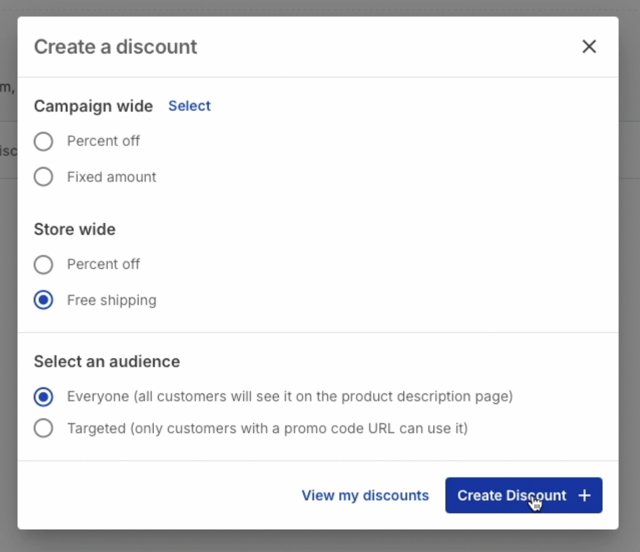
Click Create Discount.
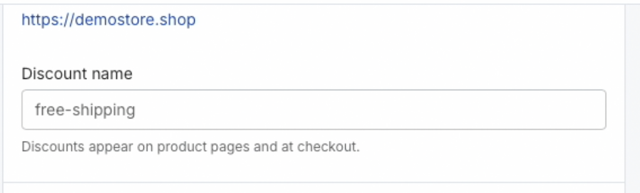
Give the discount a name.
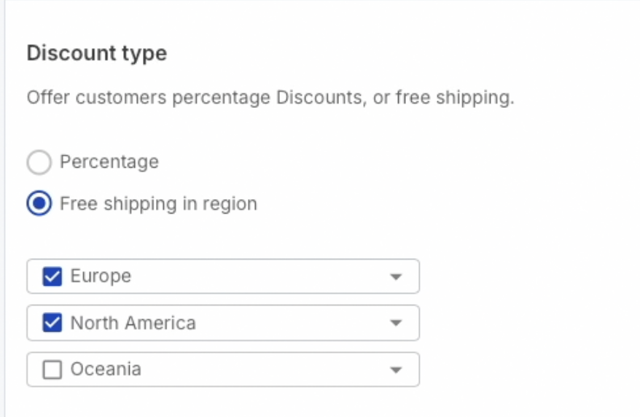
Choose the regions you want the discount to apply to.
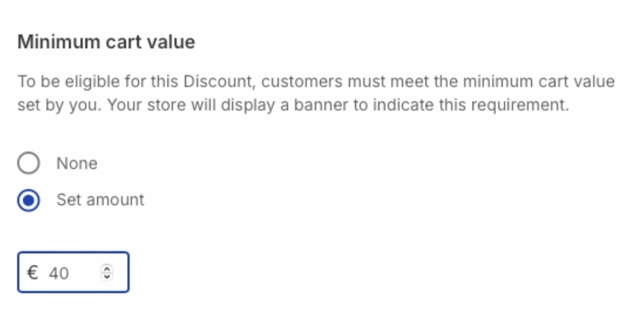
You can add a minimum cart value here. This means that the discount won't be available, unless the cart value exceeds your amount.
If this discount makes any campaign unprofitable, you will be warned here. You will need to amend these campaigns before you can proceed.
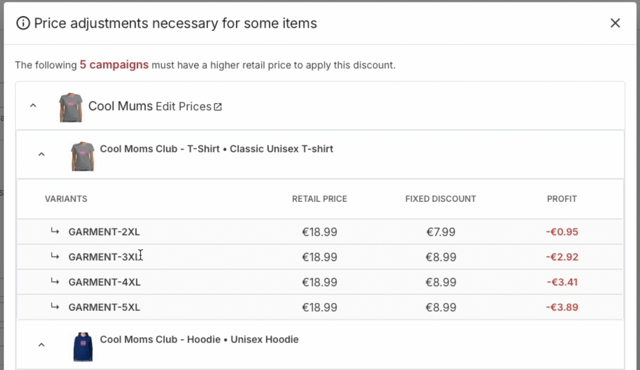
Once you have amended the campaigns, press the refresh button. If you are now able to proceed, press the close button.
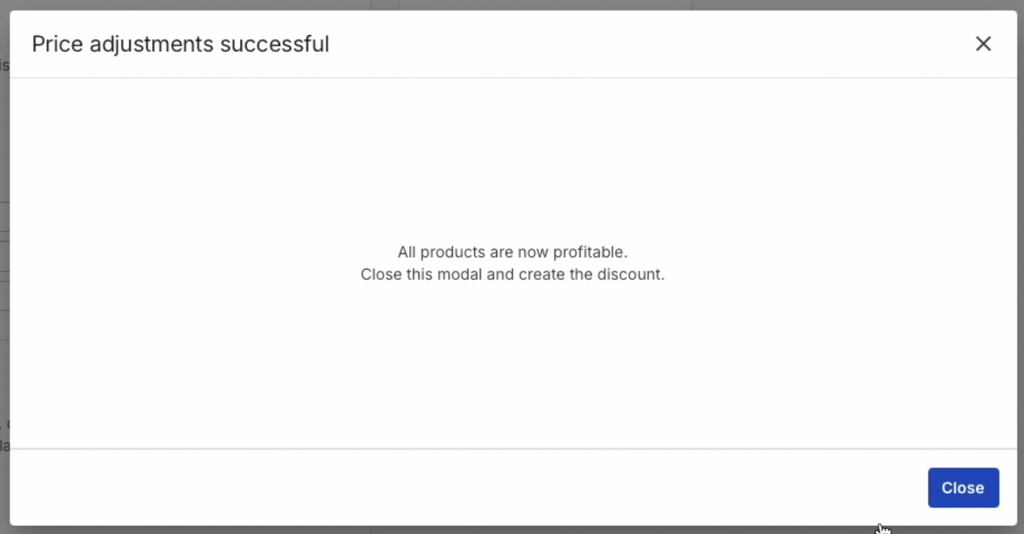
Press the create discount button.
Publish your store.
Go to your store, and press refresh
You will see at the top of the store that your free shipping discount is now active.
