Go to dashboard.mayzing.com and click on the store you wish to add the collection to.
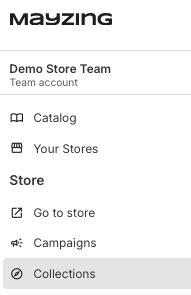
On the left hand nav bar, click on collections.
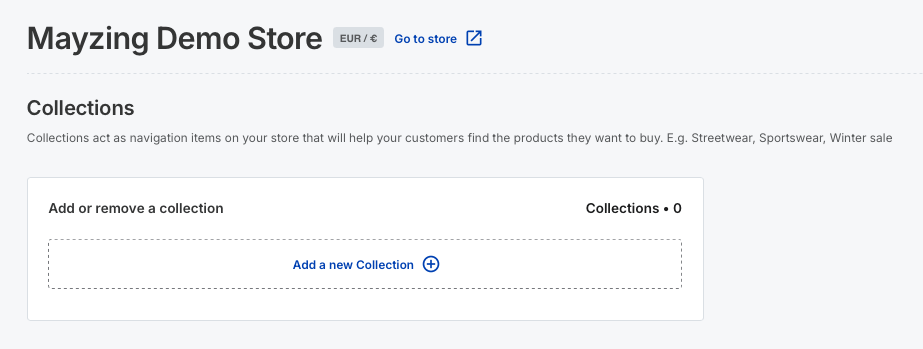
Click on add a new collection.
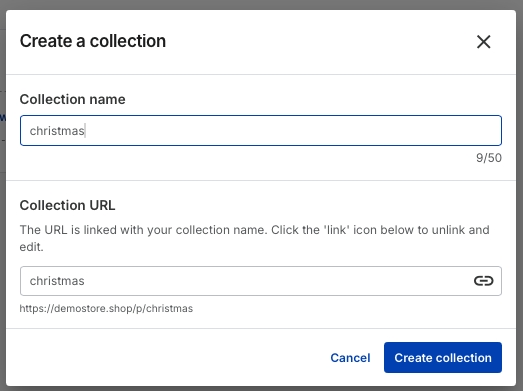
Give the collection a name, for this demo we’ll call it Christmas, and press create collection.
The collection will now be created.
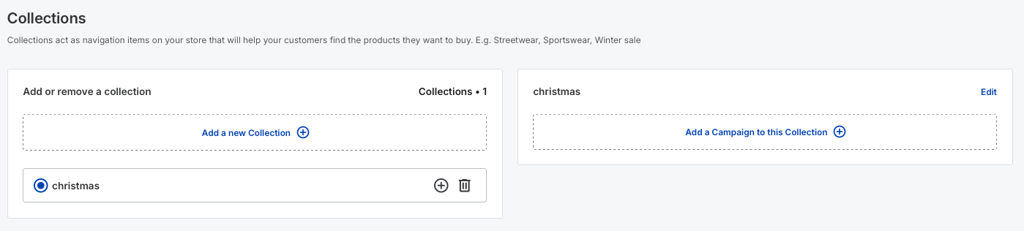
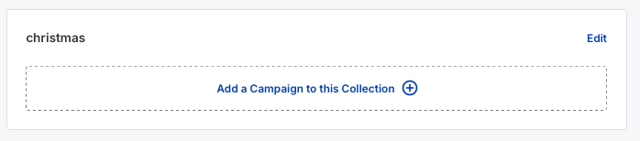
On the right hand side of the screen, click add a campaign to this collection.
Find the campaigns you want to add to the collection, and click the check box for each one. You can use the search box at the top if you want to narrow down your search.
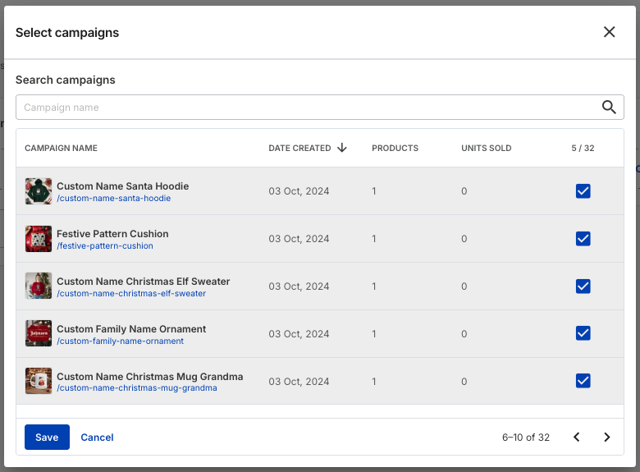
Once you have added all the campaigns you want to this collection, press the save button.

You can see all of the campaigns added to the collection.
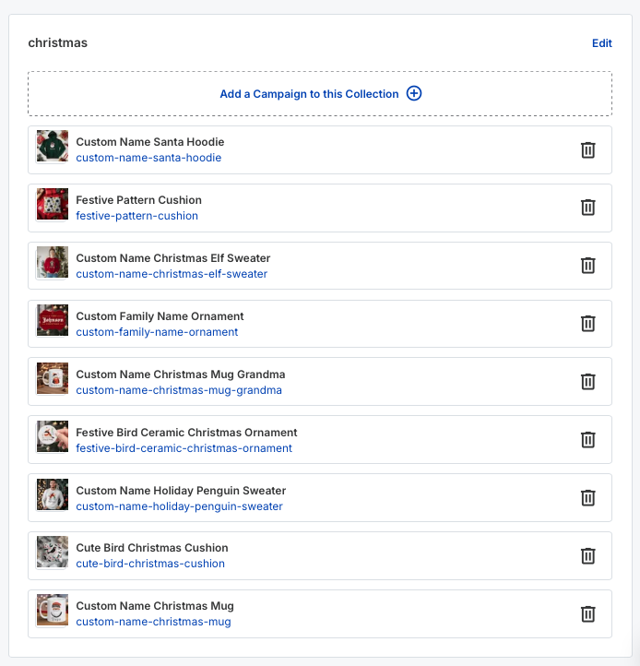
If you are happy with this, press Publish changes.
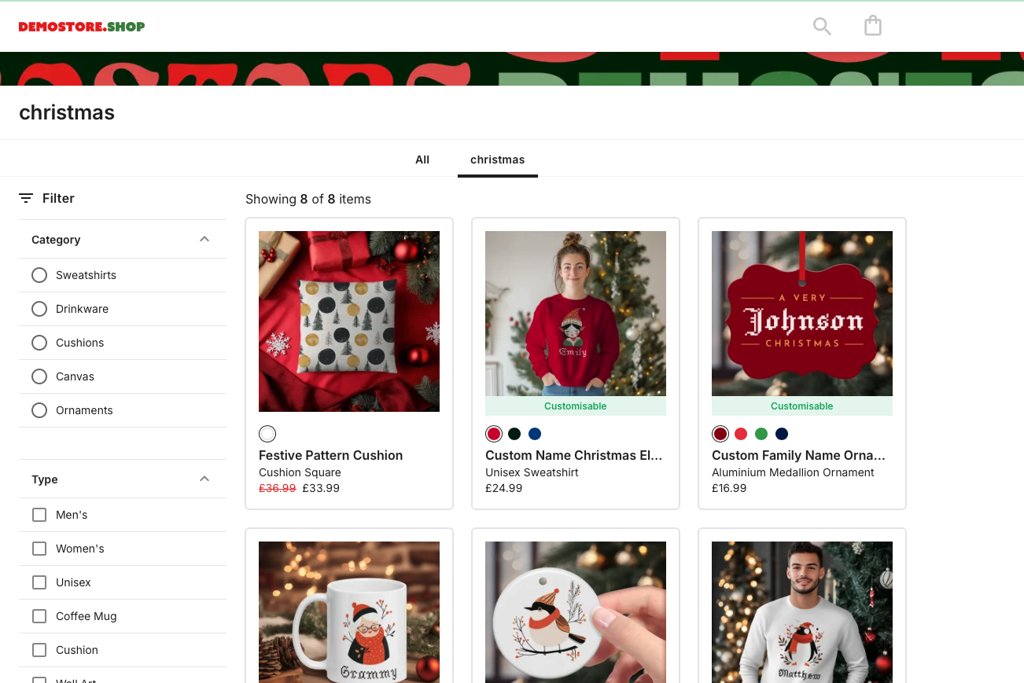
Once the publish has completed, you can go to your store, and see the collection has been added to the storefront. Click on this and you can see all of the campaigns are added inside.