Login to your store, and select the team account.
Click on team members on the left side navigation panel.
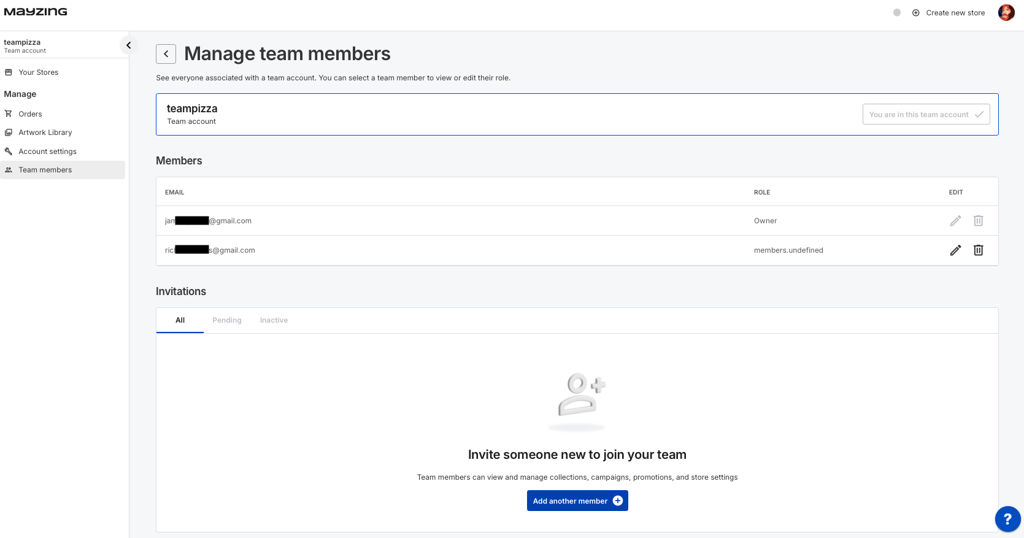
At the bottom of the page, click on add another member.

In the modal that pops up, type in the new members email address, and select whether you want them to be a Seller Team Admin, a Seller Team Member, or a Designer.
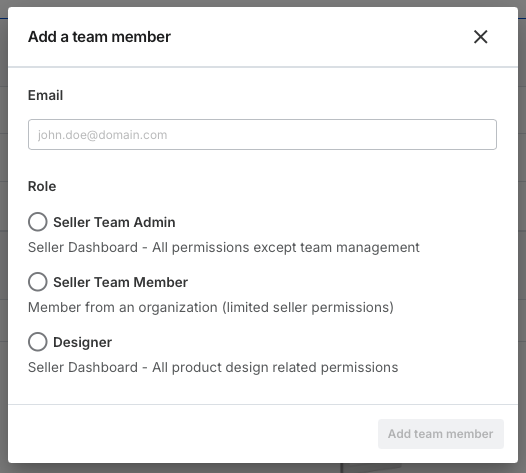
Click on add team member.
You will be returned to the previous screen, and will now be able to see the Member invitation in a pending state.

Prompt your new member to check their email and accept the invite. They will be asked to set a password at the time of accepting the invite.
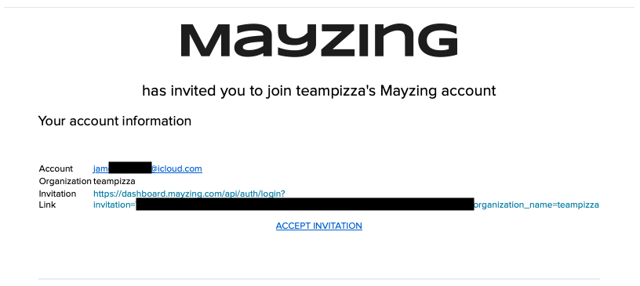
Once they have done this, they will be able to log in and perform any functions that you have allowed them to perform.
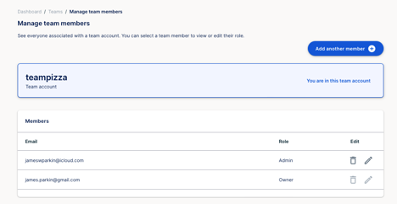
You will be able to see the status of any pending invites, or accepted invites.
You can resend the invitation if the invited member still needs to join, but cannot find their invitation. Navigate to the "Invitations" section at the bottom of the page and click "Resend Invite".
