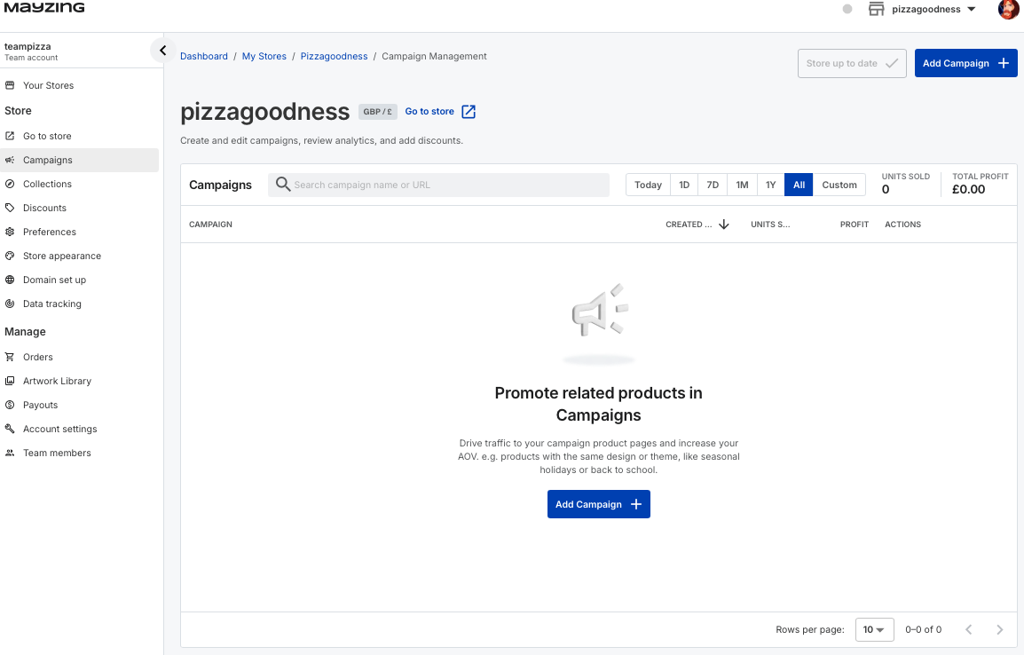
Choose whether you want this to be a personal stores or a team store.
Do this by clicking just below the Mayzing logo in the top left.
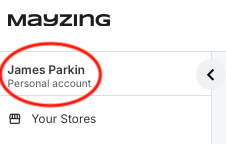
It will show you which account you are in, if you are in the one you want to be in, you don't need to do anything.
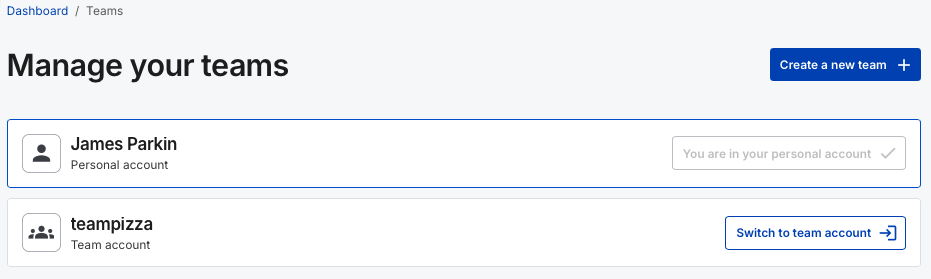
If you want to change to another account, click on the Switch to button which will switch you to that account.
At this point if you want to, you can create a new team.
Once you have selected the relevant account, click on your stores.
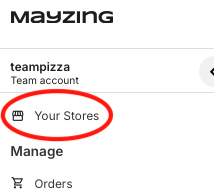
If you have created other stores, this will now show you a list of all of your stores.
To create a new store, click the Create new store button.
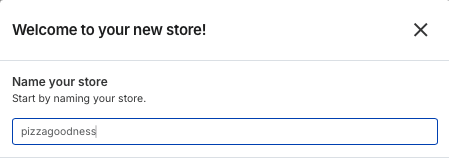
You will be asked to name your store. This does not have to be the domain name your store will sit at. This is just for you to name the store.
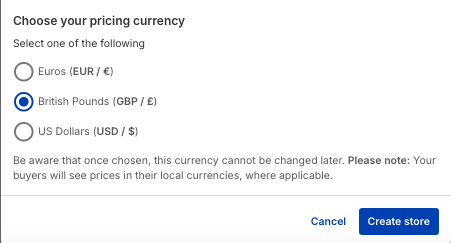
Now you need to select a currency for you store. Be aware that once chosen, this currency cannot be changed later. Please note: Your buyers will see prices in their local currencies, where applicable.
Select the currency, and press create store.
You will get a pop up saying that the store has been created successfully.

You are now ready to connect up a custom domain name, or start building campaigns and products.